Sketch Smarter: Build a Visual Memory Inside Your PKM

Today we’re diving into integrating visual notes into personal knowledge management systems, transforming sketches, diagrams, and mind maps into a living library that strengthens recall and sparks insight. You’ll learn frictionless capture methods, reliable organization patterns, and search strategies that make images findable, linkable, and worth revisiting. Expect practical workflows, tiny habits, and real stories from teams and solo creators. Share your favorite tools in the comments and subscribe for deep dives, templates, and experiments that help turn visuals into thinking partners you trust.
From Scribbles to Systems
Why Pictures Supercharge Recall
Visual notes harness dual coding and spatial memory, letting images anchor meaning while brief captions reinforce language. When your system respects both, recall becomes faster and richer, especially under pressure. Add arrows, color cues, and succinct labels to build hooks for retrieval. In reviews, explain your diagram aloud to surface gaps. Pair the image with a single, decisive sentence capturing essence and outcome. Over time, these small rituals create compound benefits: a visual library that not only remembers but also teaches your future self.
Define What Counts as Visual
Clarity begins by naming the kinds of visuals you will capture: hand-drawn sketches, whiteboard photos, architecture diagrams, annotated screenshots, mind maps, journey maps, and rough storyboards. Decide what formats belong in your system and which go to reference folders. Establish a minimal description routine—date, brief caption, tags, and links to related notes—so visuals land with context. This small boundary-setting move reduces clutter, accelerates decisions, and invites consistent review. Think of it as agreeing on vocabulary before holding a conversation with your tools.
Choose a Single Source of Truth
Fragmentation kills trust. Pick one place where the canonical version of each visual resides, then link everywhere else back to it. Whether you favor Obsidian, Notion, DEVONthink, or OneNote, enforce a backbone path and predictable naming. Mirror references, not copies, to avoid drift. During projects, flag drafts as provisional and archive superseded versions with clear dates. The goal is confidence: when you open any project note, you know exactly which diagram reflects reality, saving time during reviews and preventing mistakes born from outdated artifacts.
Capture Without Friction
The best visual note is the one you can capture in seconds, before the insight evaporates. Build a lightweight pipeline that tolerates imperfect lighting, shaky hands, and moving conversations. Automations rename files, add metadata, and route them to your inbox folder reliably. Reduce touches: snap, confirm, done. When sketching on tablets, keep pens and templates ready so starting is effortless. For paper, favor bold markers and high contrast. Treat capture as a reflex, not a ceremony, so ideas flow into your system while the energy is still fresh.

Organize and Link for Meaning
Organization is not decoration—it is how meaning emerges. A resilient structure balances predictable conventions with flexible linking. File names, tags, and intentional titles make images addressable, while bi-directional links turn isolated diagrams into living conversations. Prioritize context at the moment of capture: add a sentence about why this visual matters, the decision it informed, and what should happen next. Later, cluster visuals by patterns and questions, not only by projects. This shift keeps creativity alive while ensuring your future self knows exactly where to continue working.
Searchability and Retrieval That Actually Work

Handwriting OCR You Can Trust
Modern OCR has improved, but it still loves clean lines and high contrast. Favor dark ink on light paper, avoid glare, and crop aggressively. Test handwriting recognition in OneNote, Apple Photos Live Text, or Google Lens with your own script. When OCR fails, add a manual keyword list right in the caption. Monitor indexing delays and trigger rescans if needed. Reliable recognition becomes a quiet superpower, letting your spontaneously scribbled insights resurface exactly when they’re needed.
Captions, Alt Text, and Micro-Summaries
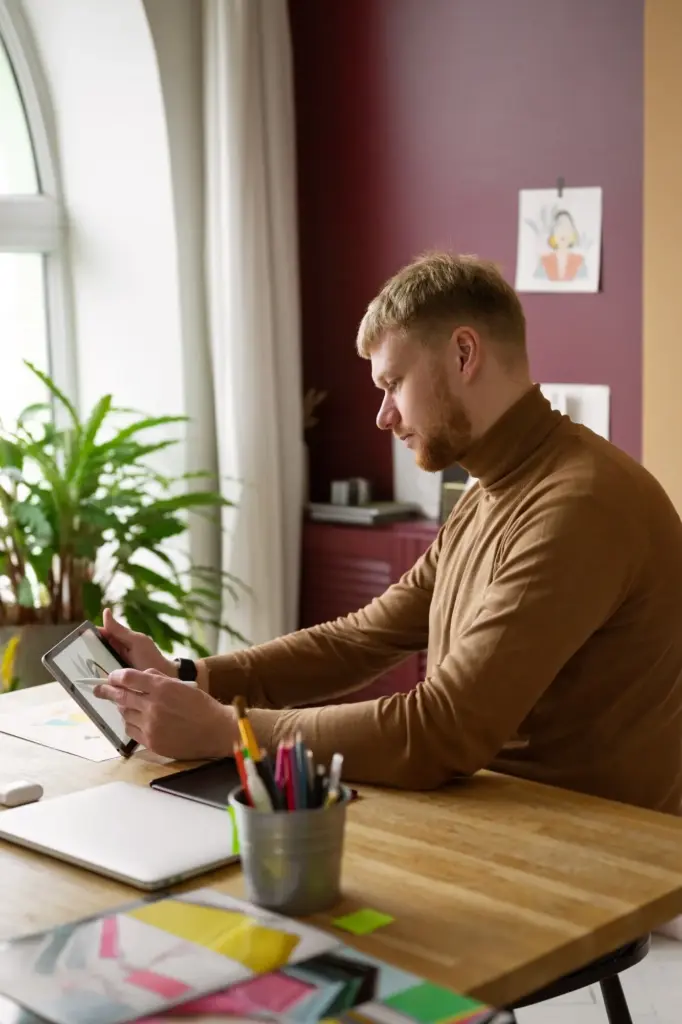
Write captions like you are helping a colleague who missed the meeting. State the question, the core idea, and the tentative next step. Use alt text for accessibility and future search. Add two or three domain-specific keywords to increase discoverability. When relevant, mention stakeholders and version intent. Keep style consistent across projects so your eyes know where to look. These tiny additions turn passive images into accountable artifacts that support decisions, knowledge transfer, and onboarding.

Spaced Reviews for Visual Memory
Schedule visual flashbacks with tools like Anki, RemNote, or a daily PKM review note. Use image occlusion to hide labels and test understanding, not just recognition. Annotate misunderstandings directly on the picture and link to clarifying sources. As projects close, space reviews more widely and promote evergreen visuals to your reference vault. This cadence keeps hard-won thinking fresh, builds intuition, and helps your visual language mature alongside your work.
Collaborative and Cross-Tool Workflows
Team diagrams often die in chat threads or disappear after whiteboard sessions. Build lightweight rituals that capture, attribute, version, and link shared visuals so they survive handoffs and power decisions. Favor interoperable formats and clear ownership. Use comments for discussion and commit messages for changes. When a drawing triggers a decision, link it to the meeting note and the task tracker. These small habits preserve context across tools and time zones, reducing rework and lifting the shared understanding that keeps momentum alive.
From Visuals to Outcomes
Visual notes shine when they change decisions, reduce confusion, and accelerate delivery. Treat every drawing as a vehicle for progress: link it to tasks, assumptions, and results. Revisit before key meetings to refresh context and realign priorities. Capture lessons learned so your future diagrams start stronger. When you share publicly, transform annotated visuals into tutorials or posts that teach others while clarifying your own thinking. Comment with your current challenge and subscribe for upcoming templates, checklists, and case studies that turn ideas into measurable impact.

All Rights Reserved.